 BookletMaker
Templates › Zine templates
Free zine templates
Two eight-page templates that print on a single sheet and fold into a small booklet: a bright blank zine to fill with your own pages, and a quiet chapbook for poems and short pieces.
Blank Zine
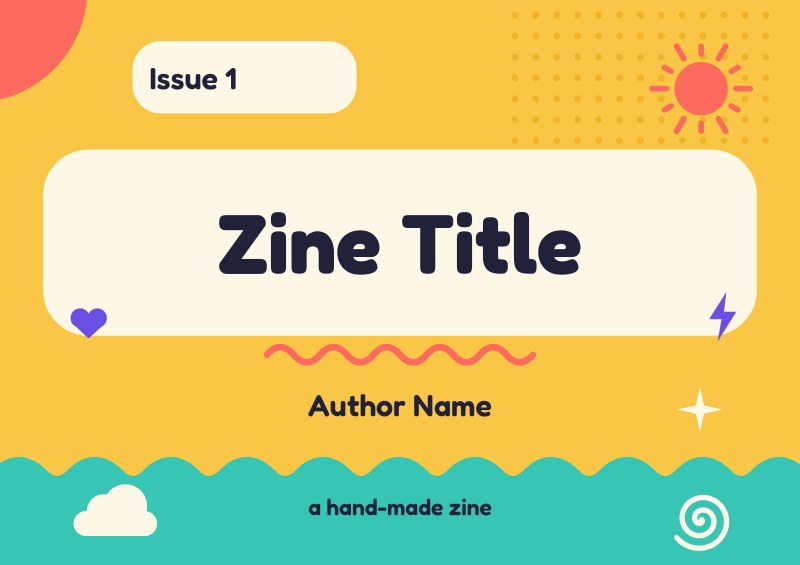
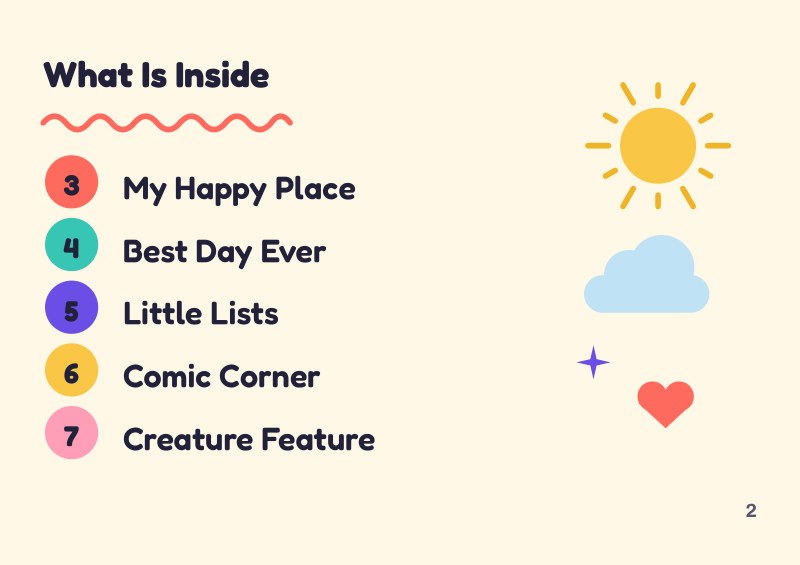
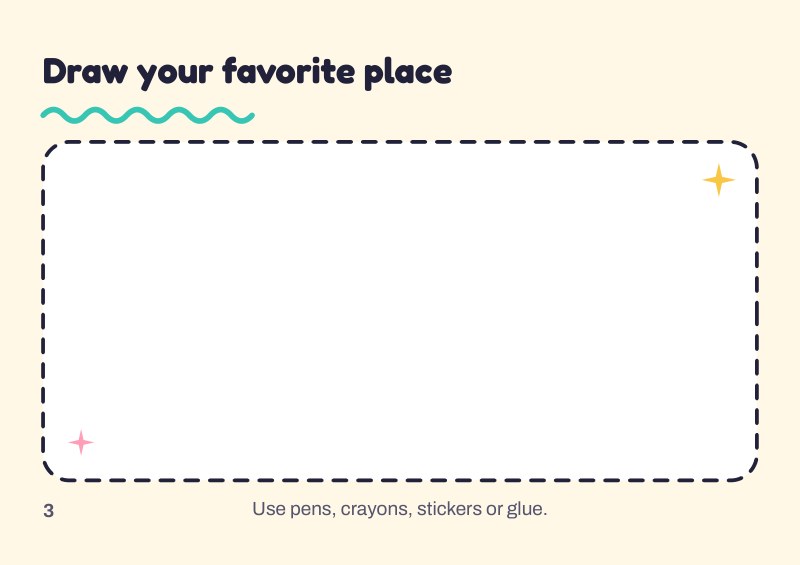
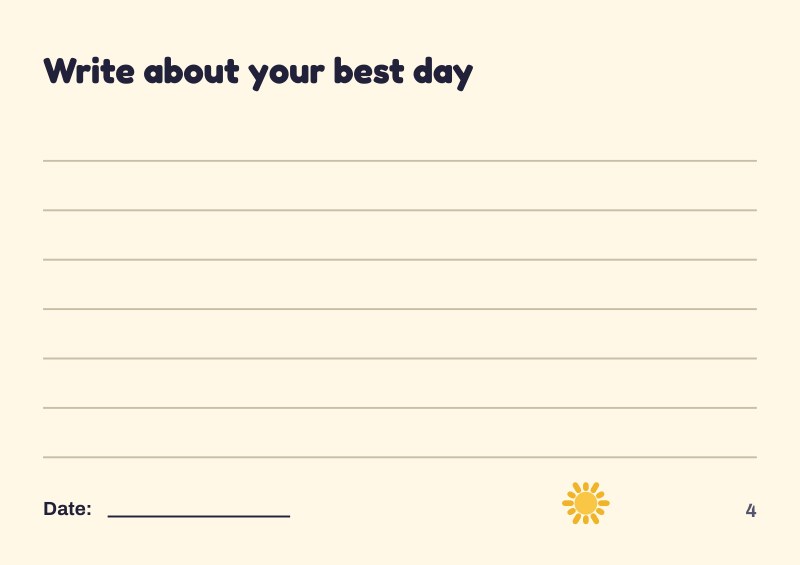
8 small pages on one sheet, four on each side, folded twice. Letter and A4 versions.
Chapbook
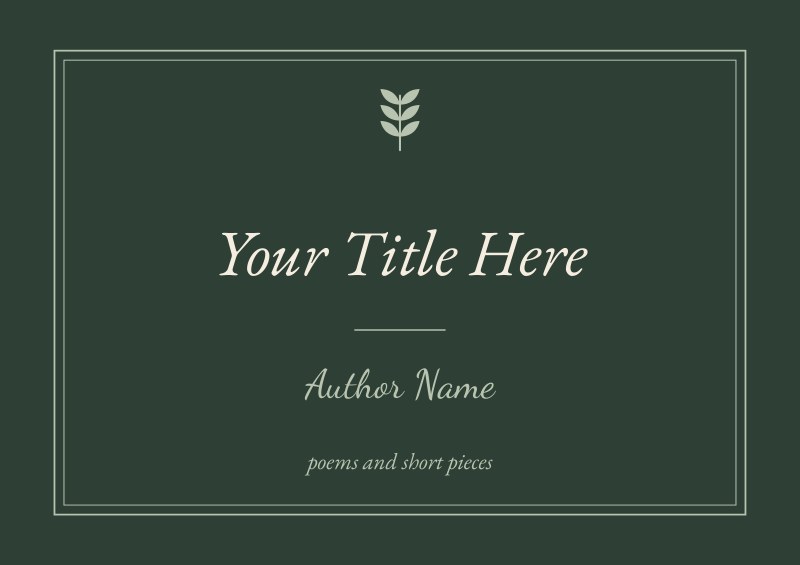

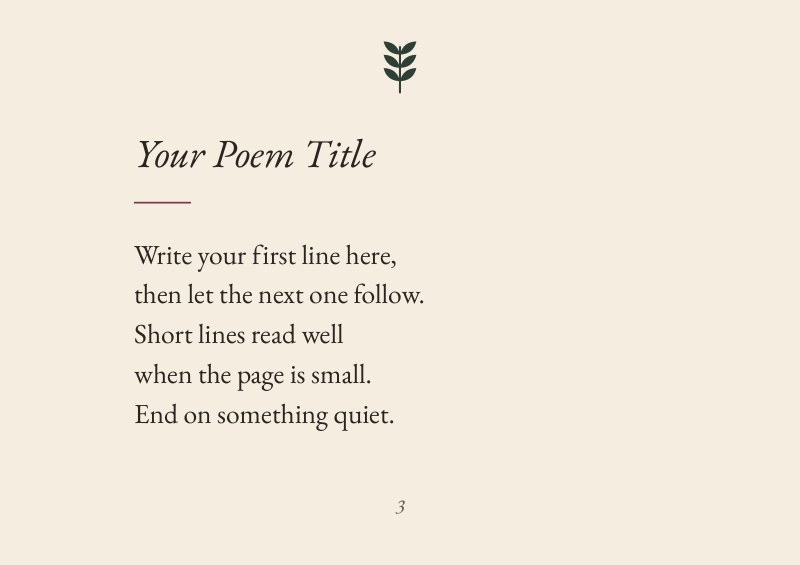
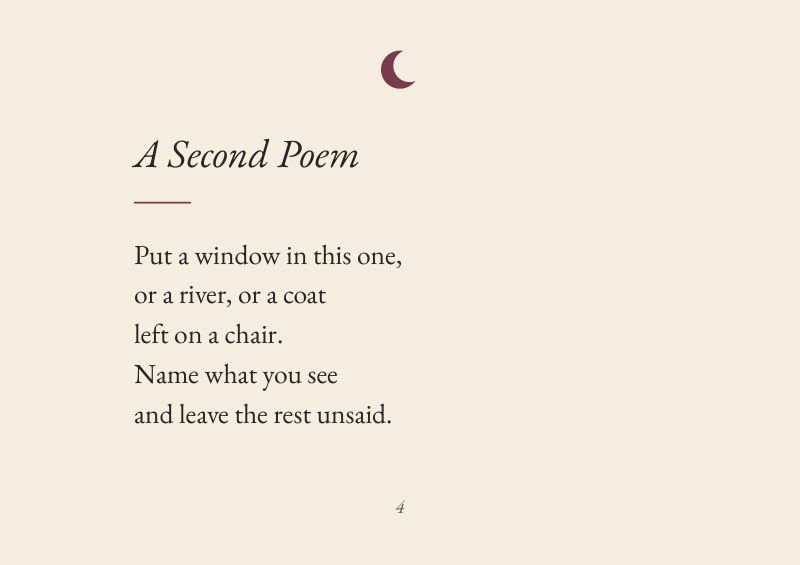
8 small pages on one sheet, four on each side, folded twice. Letter and A4 versions.
Free in BookletMaker for Mac, iPad and iPhone. Open the Blank Zine and Chapbook template, change every text, photo and background you need, then print it or save a PDF. Some folding layouts are part of BookletMaker Pro.
Get BookletMaker on the App Store
How to use the template
- Install BookletMaker from the App Store on your Mac, iPad or iPhone.
- Open the template gallery: on the welcome screen, with File ▸ New from Template… on a Mac, or More ▸ Templates… on iPhone and iPad.
- Pick the Blank Zine and Chapbook template and change what you need. Every text, photo, panel and page background can be changed or hidden, with undo.
- Print it, or save a PDF to print later or take to a print shop.
On Windows, Android or a Chromebook?
Make your zine pages in any app that saves a PDF, then set the free web tool's Format to Mini-booklet (quarter fold). The zine guide walks through it. Open the free web tool.
More templates in the app: see the free templates.