 BookletMaker
Templates › Travel journal template
Free travel journal template
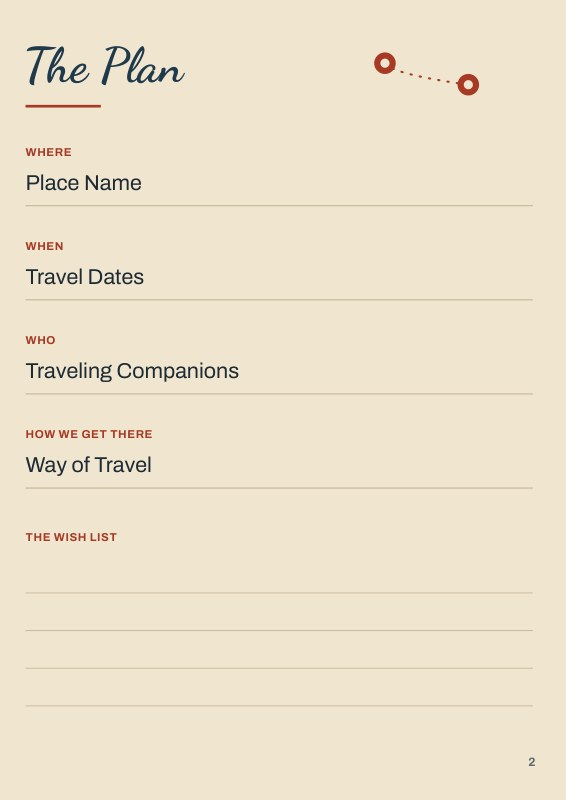
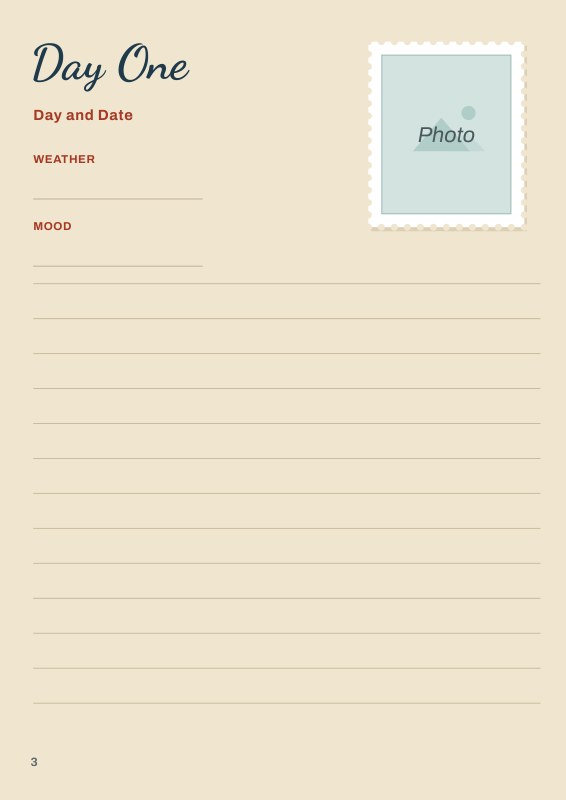
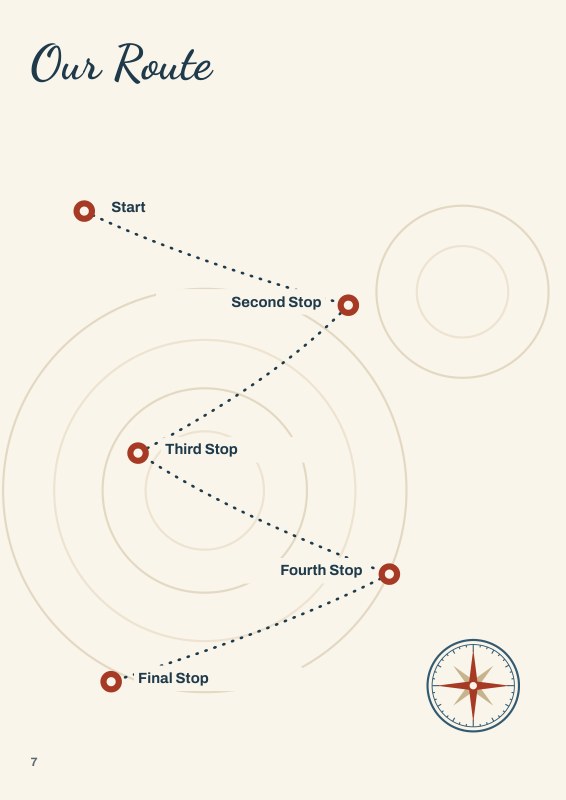
An eight-page travel journal: a cover with the destination and dates, a page to plan the trip (where, when, who, how and a wish list), and lined pages for each day with space for a photo.

8 pages on two sheets, printed on both sides, folded and stapled. Letter and A4 versions.
Free in BookletMaker for Mac, iPad and iPhone. Open the Travel Journal template, change every text, photo and background you need, then print it or save a PDF. Some folding layouts are part of BookletMaker Pro.
Get BookletMaker on the App Store
How to use the template
- Install BookletMaker from the App Store on your Mac, iPad or iPhone.
- Open the template gallery: on the welcome screen, with File ▸ New from Template… on a Mac, or More ▸ Templates… on iPhone and iPad.
- Pick the Travel Journal template and change what you need. Every text, photo, panel and page background can be changed or hidden, with undo.
- Print it, or save a PDF to print later or take to a print shop.
On Windows, Android or a Chromebook?
Make your journal pages in any app that saves a PDF, and the free web tool lays them out as a booklet to fold and staple. Open the free web tool.
More templates in the app: see the free templates.